Maintenance & Repairs: Owner vs Tenant Responsibilities
Most maintenance disputes between landlords and tenants come from genuine confusion about who's responsible for what. Ontario's RTA has clear rules — but the rules don't cover every scenario, and the gaps fall to the lease and to common sense.
What the landlord must maintain
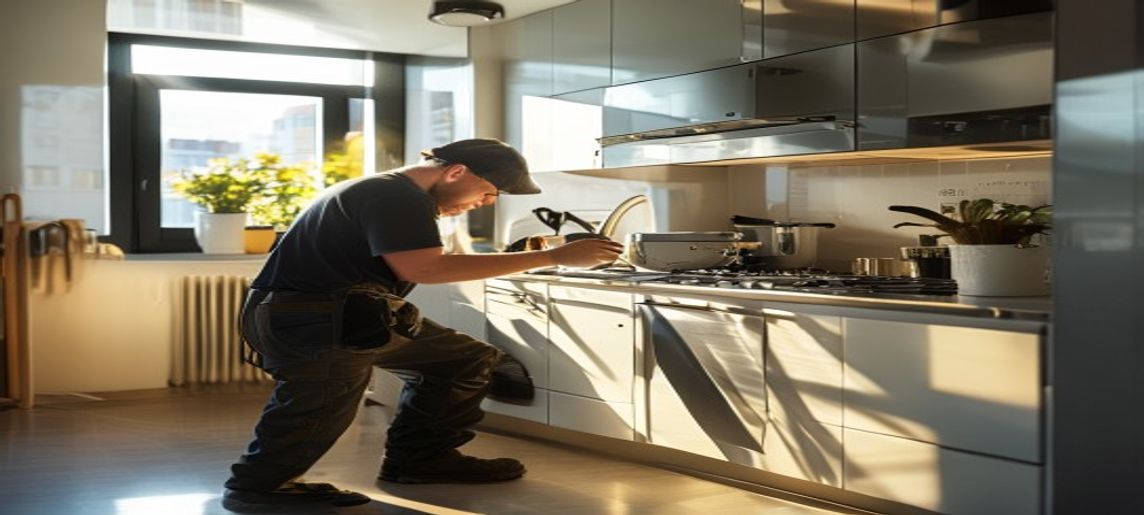
Section 20 of the RTA requires landlords to maintain rental units in a good state of repair, fit for habitation, and compliant with health, safety, housing, and maintenance standards. This applies regardless of what the lease says or whether the tenant agrees.
Specifically: structural integrity, plumbing, heating, electrical, appliances provided with the unit, locks and keys, smoke and CO detectors, and any common-element issues that affect habitability.
What the tenant must maintain
Tenants are responsible for ordinary cleanliness of the unit, repair of damage caused by the tenant or their guests, and replacement of consumables (light bulbs, batteries in detectors, air filters where lease-specified).
Damage caused by negligence or wilful act — a hole punched in drywall, a broken window from misuse, water damage from a left-running tap — is the tenant's responsibility, regardless of the lease.
The grey areas
Several scenarios fall in between:
- Clogged drains: tenant’s responsibility if caused by tenant use; landlord’s if caused by building plumbing issues. Investigate before billing.
- Pest control: typically landlord’s responsibility unless caused by tenant cleanliness issues.
- Appliance breakdowns: landlord’s if appliance was provided with the unit; tenant’s if their own appliance.
- Snow and ice on balcony: usually condo corp’s, but may flow to tenant via lease for unit-specific spaces.
- Damage during break-and-enter: tenant’s loss for personal property; landlord’s for structural repair.
Photo documentation: the universal protection
Move-in inspections, periodic inspections (every 6–12 months), and move-out inspections should be photo-documented in detail. The photos serve as the baseline for any future damage assessment.
Without photo documentation, damage disputes at the LTB are she-said/he-said, and the LTB tends to side with the tenant in the absence of clear evidence.
Repair authorization workflow
When something needs fixing, the workflow that minimizes friction:
- Tenant submits request via portal or designated channel
- Landlord (or property manager) acknowledges within 24 hours
- Landlord assesses urgency (emergency / urgent / routine)
- If under pre-approved threshold, work proceeds and the tenant is notified
- If over threshold, owner is consulted with quote and recommendation
- Work performed; before/after photos documented; invoice closed in records
Emergency repairs
Emergencies — active leaks, no heat in winter, electrical safety — require immediate response regardless of pre-approval thresholds. CentreKey owners have a 24/7 emergency line that handles tenant calls; owners are notified of resolution rather than disturbed during the issue.
What constitutes an emergency is sometimes disputed. Photo-document, fix first, debate later. The cost of a wrongly-classified emergency is minor; the cost of a delayed real emergency can be significant.
Key Takeaways
- Landlord must maintain habitability — RTA section 20
- Tenant must maintain cleanliness and repair tenant-caused damage
- Grey areas (clogs, pests) often turn on cause investigation
- Photo-document every inspection — the universal LTB protection
- Emergency repairs proceed first; classification disputes resolved after
Need help applying any of this?
CentreKey owners get direct access to in-house paralegal expertise and a dedicated specialist who handles the procedural compliance so you don't have to.
This article is general information for GTA condo owners and is not legal, tax, or investment advice. For matters involving an active dispute or transaction, a qualified professional should review your specific circumstances.
Related guides for condo owners.
Frequently asked questions
What maintenance is the landlord responsible for?

Under the RTA, landlords must keep the unit in a good state of repair and fit for habitation — including appliances supplied with the unit, plumbing, heating, and anything that comes with normal wear and tear. This duty applies even if the lease says otherwise.
What is the tenant responsible for?
Ordinary cleanliness of the unit, and repairing or paying for damage caused wilfully or negligently by the tenant, their household, or guests. Normal wear and tear is not damage — distinguishing the two is where most disputes arise.
Who fixes common element issues in a condo?
The condo corporation maintains common elements — hallways, elevators, the building envelope, and usually anything behind the walls. In-unit issues are the owner's responsibility. Report common element problems to management promptly and keep a written record.
Why does photo documentation matter so much?
A dated move-in/move-out condition report with photos is the evidence that decides damage disputes at the LTB. Without it, claims become one person's word against another's — and the party without documentation usually loses.